
Moffat County Court Docket Basics
A docket is the court's public schedule and event record for a case. In Moffat County, the Judicial Branch docket search can show hearings in District Court and County Court, including date, time, duration, case number, hearing type, location, appearance type, and courtroom. It helps answer whether a case has an upcoming hearing, whether a past hearing appeared on the public calendar, and which court level is handling the matter.
The docket does not carry the same detail as a full case file. It generally does not provide downloadable complaints, motions, exhibits, written orders, sentence documents, bond paperwork, full charge text, or financial detail. Use it as the case-finding tool, then use the Moffat Combined Court record request process if the actual document is needed. For broader case-file context, the main Moffat County court records page explains copies, certified documents, and restricted records.
Search Moffat County Court Dockets
The main online path is the Colorado Judicial Branch docket search prefiltered to Moffat County. The docket page states that at least one filter in addition to date is required. A user can select Judicial District, County, Courthouse, Court Type, Date Range, case-number parts, party fields, business fields, or attorney fields. Moffat County is part of the 14th Judicial District, and Moffat Combined Court is the courthouse for state trial court docket searches.
- Open the Judicial Branch docket search and confirm Moffat County is selected.
- Pick Both, County, or District under court type if the court level is known.
- Enter a date range plus a party name, business name, case class, case sequence, or attorney detail.
- Review the docket result fields, including case number, hearing type, appearance type, and courtroom.
- Use Export Results or Printable Version if the public result list needs to be saved for reference.
A sample inspected Moffat search showed paginated results and a count display such as "Showing 21-40 of 130 results." Observed Moffat case-number formats included 2025M5020, 2026T3, 2025T204, 2025DR47, and other Colorado case class formats. Those numbers can later be used when calling the court or requesting a record.
Moffat County Docket Entry Fields
Moffat County court dockets give enough information to identify the hearing and court setting, but they are intentionally limited. The public docket result fields show hearing data and case metadata. They do not show addresses, dates of birth, Social Security numbers, full charge details, bond amounts, sentence terms, document links, or financial balances. That limit protects private data and keeps the docket focused on court scheduling.
| Field | What It Shows |
|---|---|
| Date | The calendar date for the public hearing entry. |
| Time | The scheduled start time for the docket event. |
| Duration | The expected length of the event when listed. |
| Name | The party name visible in the public docket result. |
| Case Number | The court file number, with year, case class, and sequence. |
| Hearing Type | The event type, such as arraignment, status conference, court trial, plea hearing, or hearing on bond. |
| Location | The courthouse or court location tied to the hearing. |
| Appearance Type | Whether the hearing is tied to an appearance setting shown by the court. |
| Courtroom | The courtroom or courtroom label shown for the docket event. |
The Moffat Combined Court virtual courtroom for Judge Mary C. Hoak connects docket users to the court's remote appearance infrastructure.
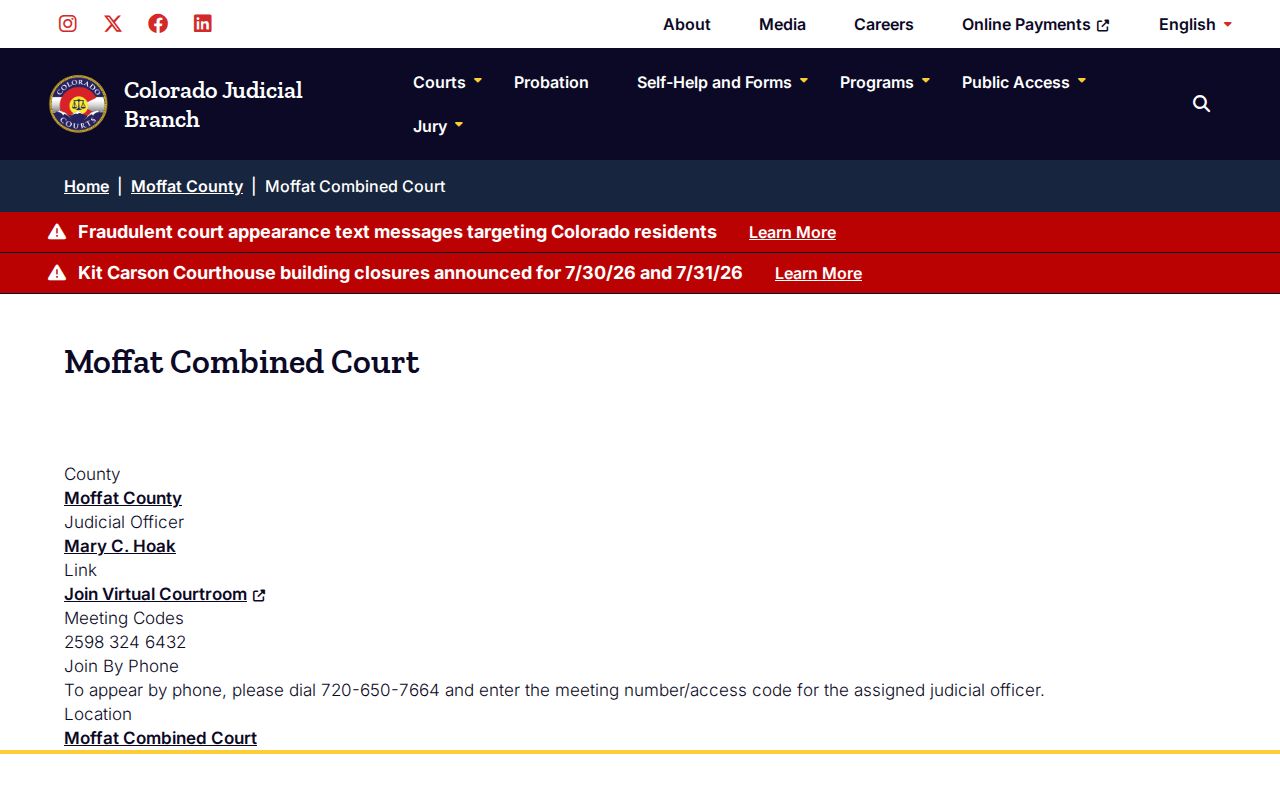
A virtual courtroom link is not a substitute for checking the exact docket entry, because appearance rules can differ by case, judge, and hearing type.
Courts With Moffat County Dockets
Moffat County belongs to Colorado's state-run trial court system. District Court handles civil cases in any amount, felony criminal cases, domestic relations, juvenile matters, probate, mental-health matters, and appeals from County Court. County Court handles misdemeanors, traffic infractions, small claims, protection orders, civil cases under the statewide county-court limit, and felony complaints before transfer. Both state court levels use Moffat Combined Court as the local courthouse.
- Moffat District Court dockets may involve felony, civil, divorce, probate, juvenile, mental-health, and County Court appeal matters.
- Moffat County Court dockets may involve misdemeanors, traffic, small claims, protection orders, and lower-value civil cases.
- Craig Municipal Court dockets are separate and should be checked through the city court for ordinance and municipal traffic matters.
- Colorado appellate dockets are separate from Moffat Combined Court and follow state appellate court systems.
The Moffat Combined Court B virtual courtroom for Judicial Officer James Hesson is another remote appearance source for local docket users.
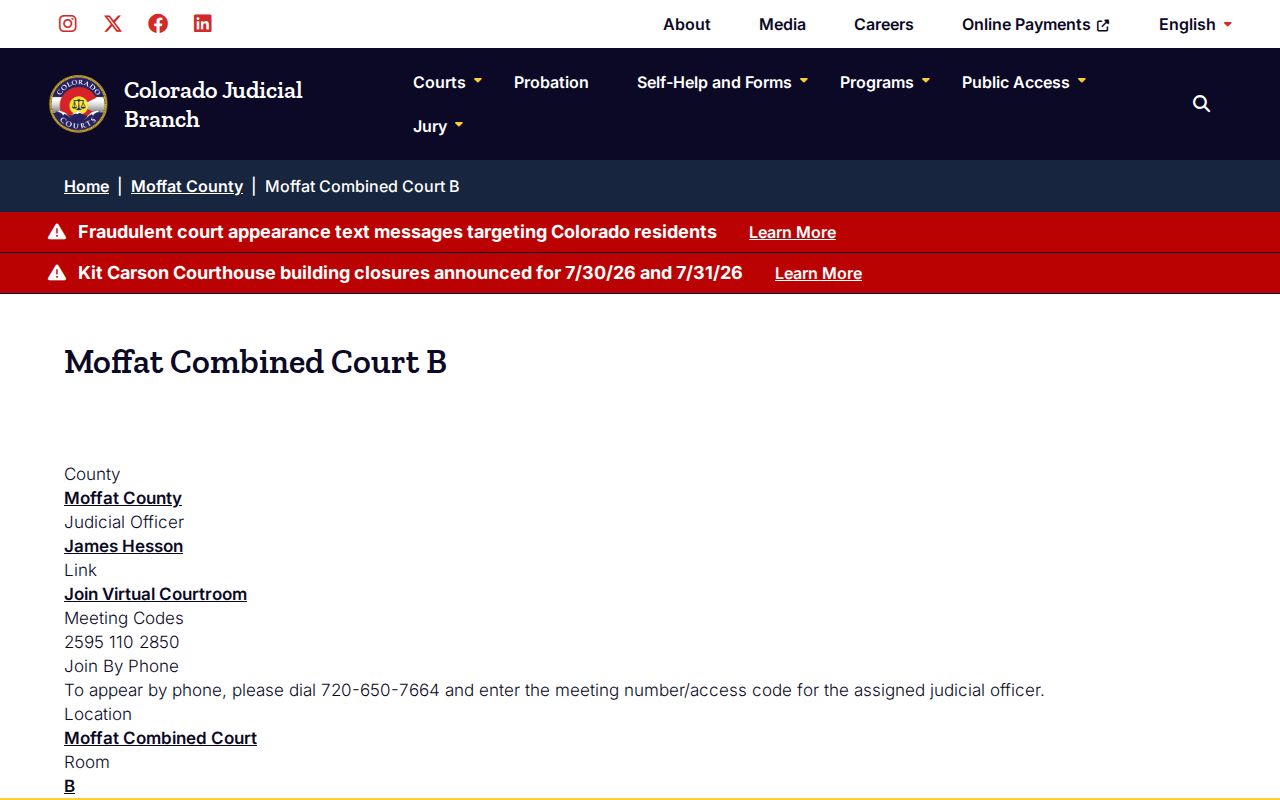
When a docket shows Courtroom B or another assigned courtroom, match that label to the court's current instructions before appearing remotely.
Moffat County Dockets vs Records
A docket is a public case calendar and event list. A full case record is the court file that may include pleadings, motions, orders, judgments, sentence documents, writs, returns of service, and payment or restitution records. Moffat County court dockets are useful for tracking the path of a case, but they do not prove every filing or outcome by themselves. Certified proof requires the Clerk of Court or an authorized court record request.
| Point | Docket | Full Case Record |
|---|---|---|
| Main purpose | Shows hearing and case-event information. | Shows the documents and formal case history. |
| Online access | Free public Judicial Branch search for many hearings. | May require a request, fee, copy process, or paid court data channel. |
| Typical fields | Date, time, case number, hearing type, location, appearance type, courtroom. | Complaint, petition, answer, motion, order, judgment, sentence, return, writ, transcript of judgment. |
| Limits | No full documents, no full charge text, no addresses or DOBs in observed results. | May be redacted, sealed, older, off-site, or restricted by rule. |
For criminal matters, the Moffat County criminal court records page explains the full case file, including charges, pleas, dispositions, and sentences.
Read Moffat County Court Dockets
Case class codes help explain what type of case is on the docket. M can indicate misdemeanor, T can indicate traffic, DR is domestic relations, PR is probate, and CR commonly appears in criminal case formats. Docket users should read the case class along with the court type. A County Court traffic docket and a District Court felony docket may both be public, but they point to very different case files and different consequences.
Hearing types also matter. A plea hearing does not mean every charge ended in a conviction. A status conference may be a scheduling event. A hearing on bond concerns release conditions. An arraignment is a stage where charges are addressed and a plea may be entered. A return date on summons can be an early appearance. The docket is best read as a timeline, not as the final legal outcome.
Note: A docket can show that a hearing exists, but the court file is needed to verify the filed order.
The Moffat County probation page is relevant because probation, bond, compliance, and sentencing events often appear near criminal and traffic docket activity.
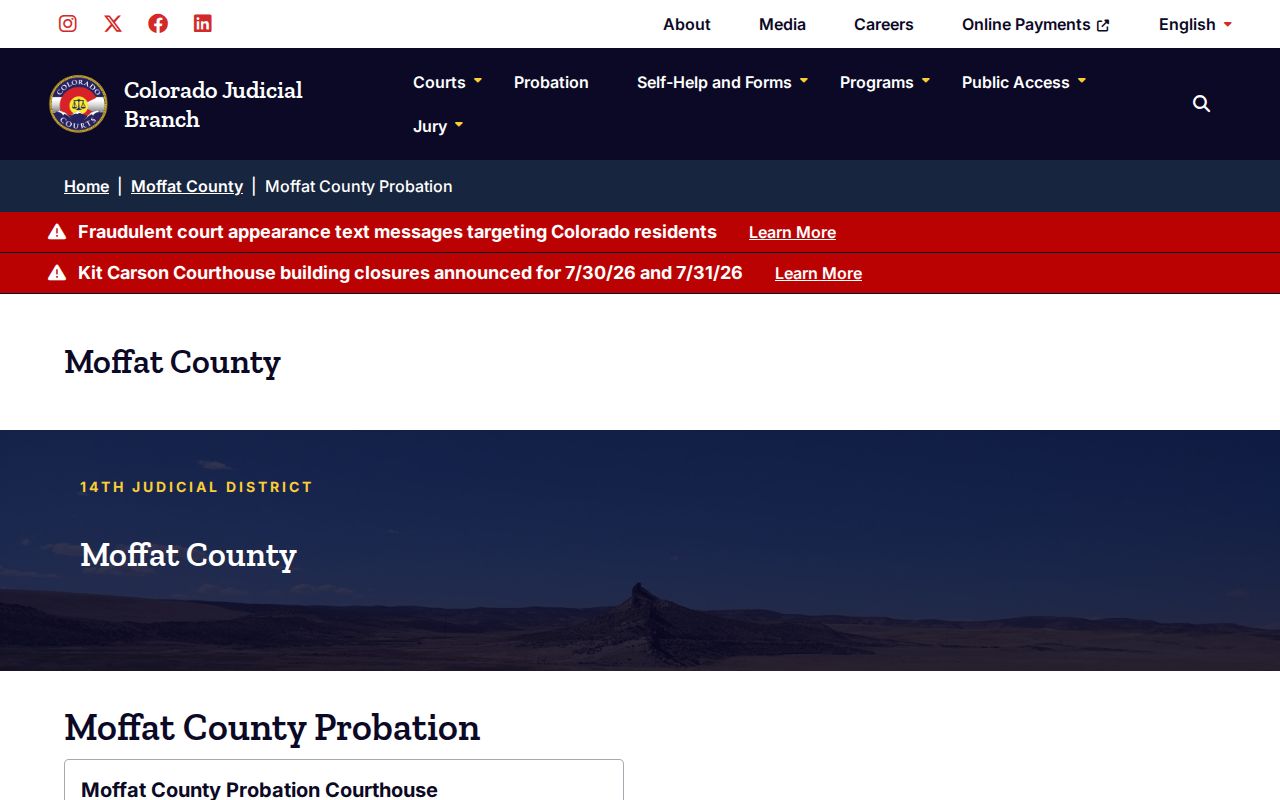
Use the docket to identify the event, then call the court or request the record when the sentence, order, or probation condition itself is needed.
Moffat County Docket Appearance Limits
Remote appearance information needs careful handling. Moffat virtual courtroom pages list meeting codes and a phone appearance number for assigned judicial officers, and the statewide livestream portal warns that watching a livestream does not count as a court appearance. If a person was required to appear, entering only as an observer can still lead to failure to appear and a warrant. Always confirm the docket, courtroom, appearance type, and judge-specific instruction before relying on a remote link.
The Moffat County Probation Courthouse page is another assigned source, and it reinforces that related court services can be in a nearby suite even when the case is heard through Moffat Combined Court.
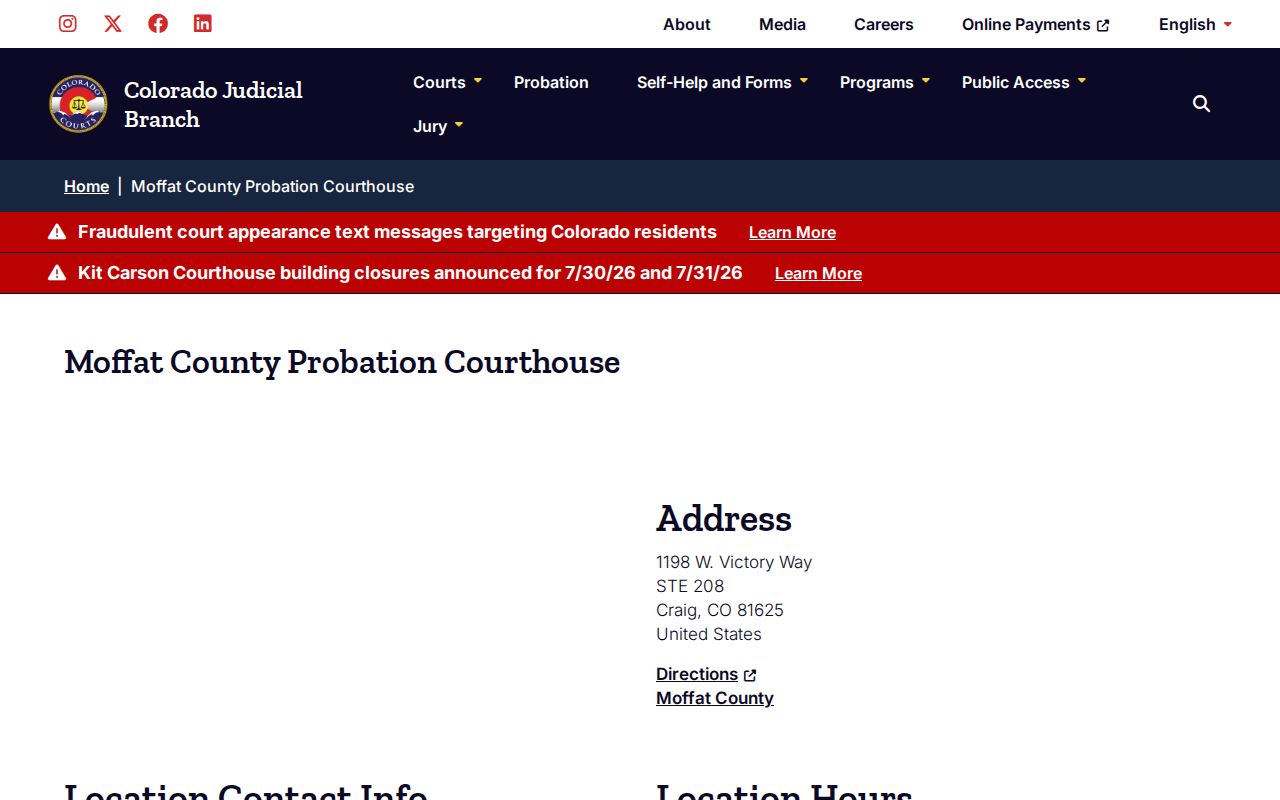
For local docket questions, Moffat Combined Court is listed at 1198 W. Victory Way, Suite 200/201, Craig, CO 81625, with phone 970-824-8254 and regular business hours Monday-Friday, 8:00 a.m.-5:00 p.m.